


If you don’t have a 3D model, you can order one from us or create it yourself following our requirements and guidelines.
1. Go to your dashboard.
2. In the right panel, find the upload area. Drag and drop your model, or click Upload Model to select a file.
Supported 3D model formats:
- .fbx
- .glb
- .gltf
- .obj
- .usdz
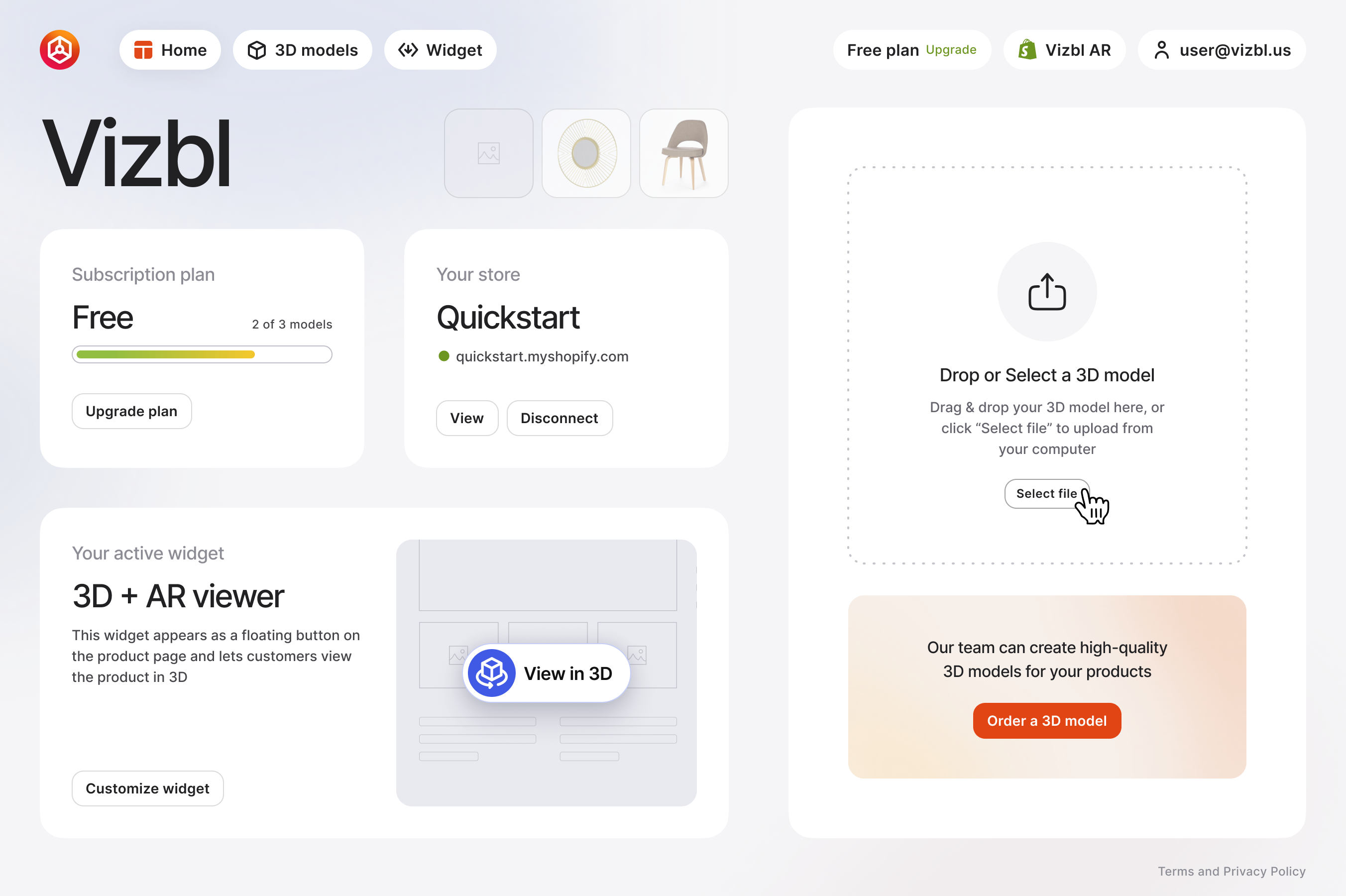
3. Once uploaded, the settings screen opens.
To rename your model, click its name under Edit model and enter a new one.
Use the left panel to control Placement type in AR. You can move it freely or anchor it to a floor, walls, or ceiling. You can also publish the model to the catalog.
The right panel shows a preview. Turn on Dimensions to see the model’s height, width, and depth in inches. Click Change model to use a different model.
Once you're done, click Save in the bottom-left corner.

To review or edit the model later, go to 3D models in the top panel and select your model from the list.


.svg)
.svg)
