Which images to use — and which to avoid.
WallArt turns your artwork into a virtual piece that shoppers can place on their walls before buying. The better the source image, the better it looks in AR.
Shoot straight on — or scan. Photograph the artwork head-on, with no angle or perspective distortion. Remove glare and reflections before uploading.
If the image looks soft or pixelated, scan the original instead. Minimum width: 1000px.

Don't use lifestyle or interior shots. A photo of the artwork hanging in a room won't work — the surrounding context will show up in the AR view.

No borders unless they're part of the composition. If the image has a white or colored border around it that isn't intentional, remove it before uploading. If you do want a white border around the artwork, you can add one during the upload process.
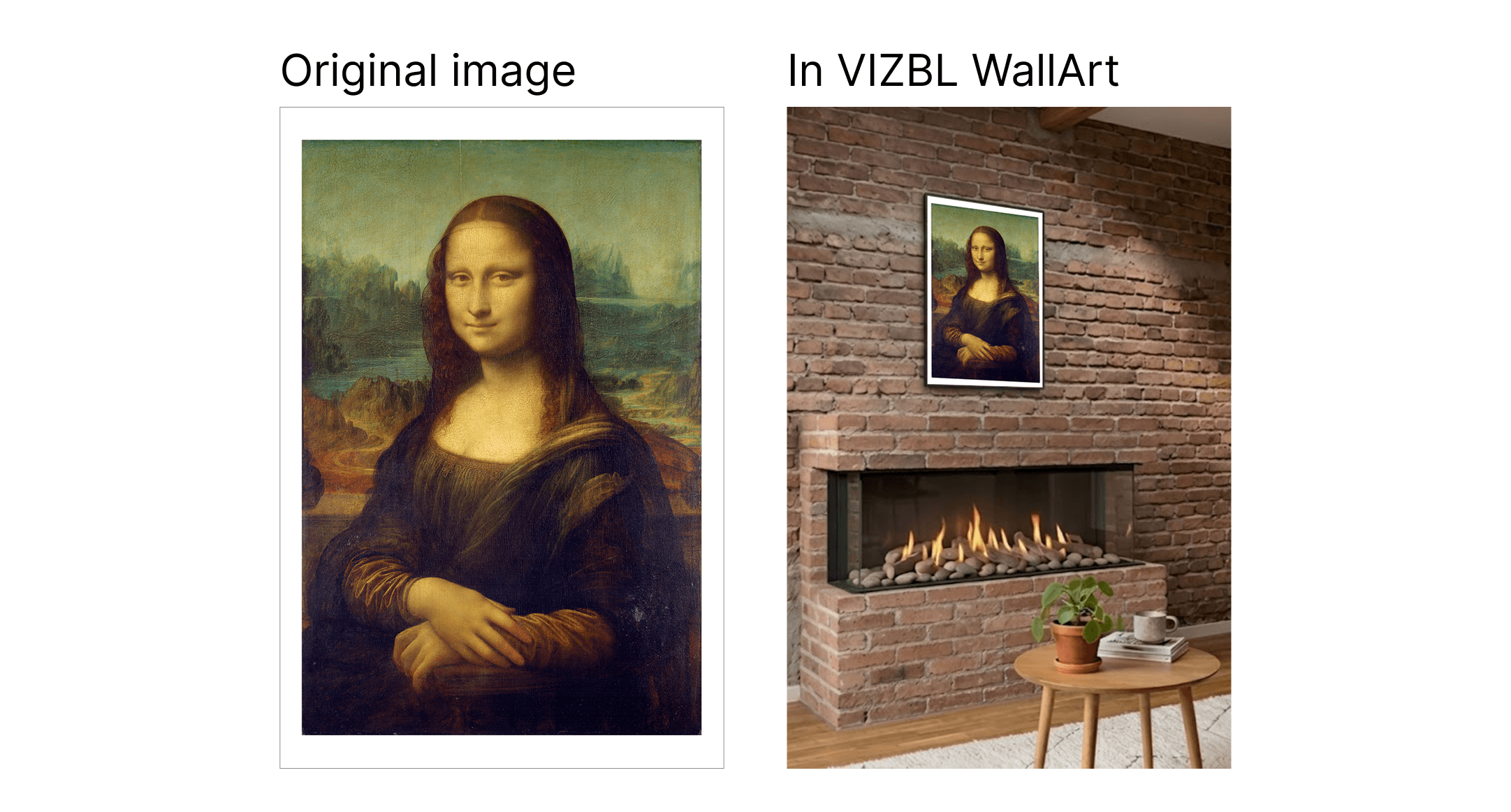
Keep edges straight and aligned. The scan should be level — vertical sides vertical, horizontal sides horizontal, and edges clean. Skewed scans or uneven edges will leave white gaps when the artwork is placed in a frame.


We use cookies and similar technologies to make this site work, measure traffic and improve your experience. You can opt out of analytics and marketing cookies at any time. View cookies.


