Learn how to link Vizbl objects to products in Shopify
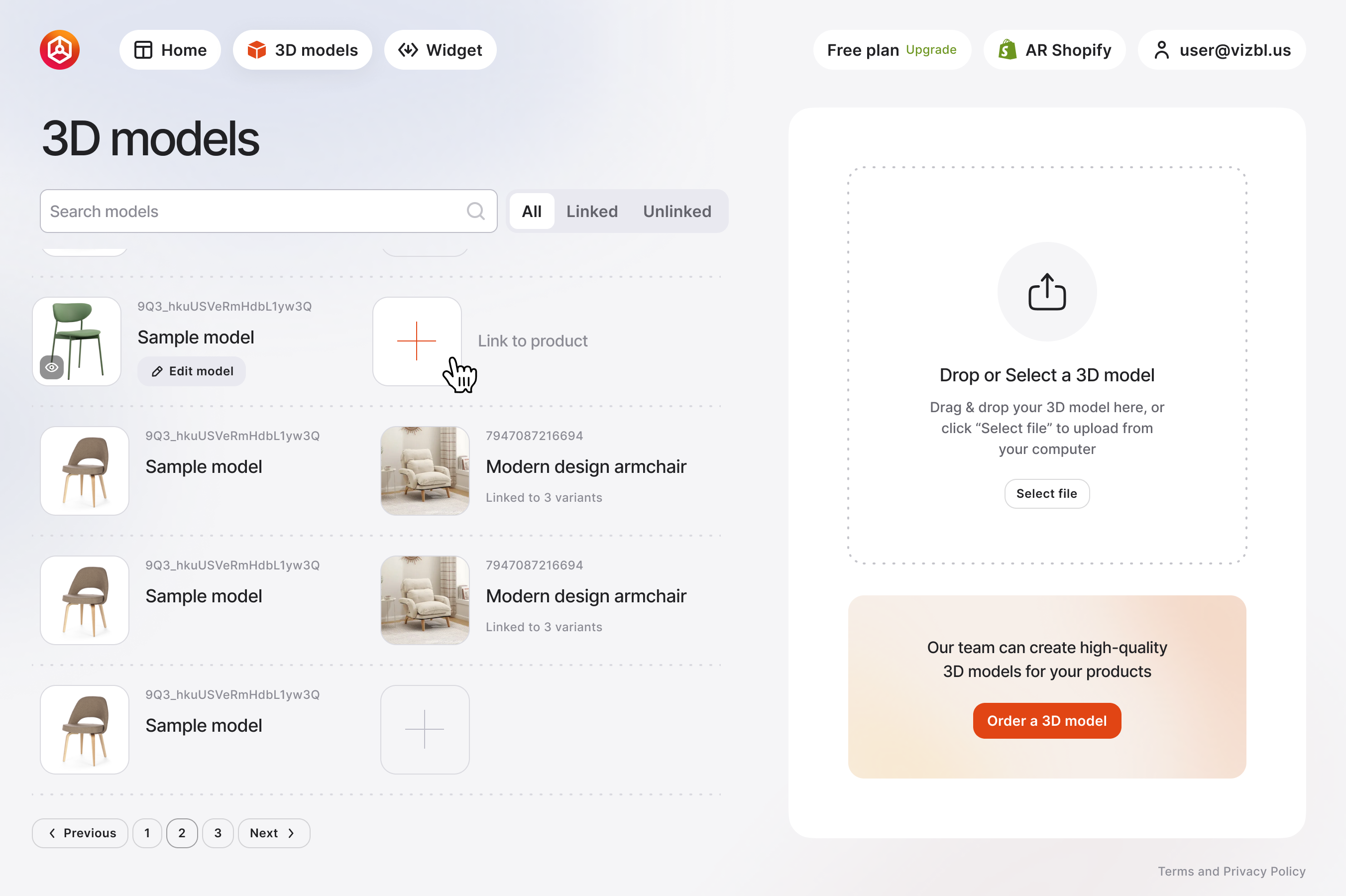
1. Go to your dashboard and click 3D Models in the top panel.
2. In the list, hover over a model to reveal Link to product, then click it.
3. In the window that opens, select a product from the list on the right. If the product has variants, choose which ones to link the model to.
4. Click Save Changes.

To change the link:
1. In 3D Models, hover over the model and click the linked product image.
2. In the window that opens, click Link to different product.
3. Select another product to link the model to.


